
How do you provide translation at an event without interpreters?
Use live AI translation that guests access from their phones. A host or MC speaks into the event microphone, Leengoconnect translates it into the languages you choose, and guests scan a QR code to listen or read in their language. It suits events where hiring interpreters is not practical.
The challenge
Not every event has a translation budget, but every guest deserves to understand
Community festivals, product launches, ceremonies, open days and charity galas often bring together people who speak different languages. Organisers want everyone to feel welcome, yet the translation options they find are designed for formal conferences with interpreter booths and long lead times.
The result is often a compromise: a bilingual volunteer whispering to a few guests, a printed summary handed out at the door, or nothing at all. Guests who do not understand the speeches drift to the edges of the room.
What gets in the way
Why translation is often left out of events
Too formal for the occasion
Interpreter booths do not fit a garden ceremony or a community celebration.
Unknown language mix
Organisers do not know in advance which languages guests will speak.
Short notice
Interpreters need to be booked weeks ahead.
Outdoor and mobile settings
Fixed equipment does not suit walking tours or outdoor stages.
Budget pressure
Translation is the first line cut from a tight event budget.
Guests feel singled out
Handing special equipment to a few guests can feel awkward.
How Leengoconnect helps
Flexible translation for events of every shape
Set up in minutes
Create a session, choose languages and print the QR code.
Guests use their own phones
Nobody is handed special equipment; everyone joins the same way.
Many languages available
29 supported languages, so you can add the ones your guests need within your plan.
Works anywhere with internet
Indoors or outdoors, as long as there is Wi-Fi or mobile data.
Two-way questions
Guests can send a question in their language for the host to read.
Feedback after the event
Guests can rate the session and leave a comment, translated for you.
How it works
Three steps from speaker to listener
The speaker talks into a microphone
The organiser starts a session on a laptop or phone and selects the microphone, or an audio feed from the sound desk connected to the computer.
Attendees scan one QR code
Show the QR code on a screen, slide or printed card. Attendees open it in their phone browser and pick a language. No app, no account.
Everyone listens in their language
Translated audio plays through each person's own earphones, with live subtitles on screen for anyone who prefers to read.
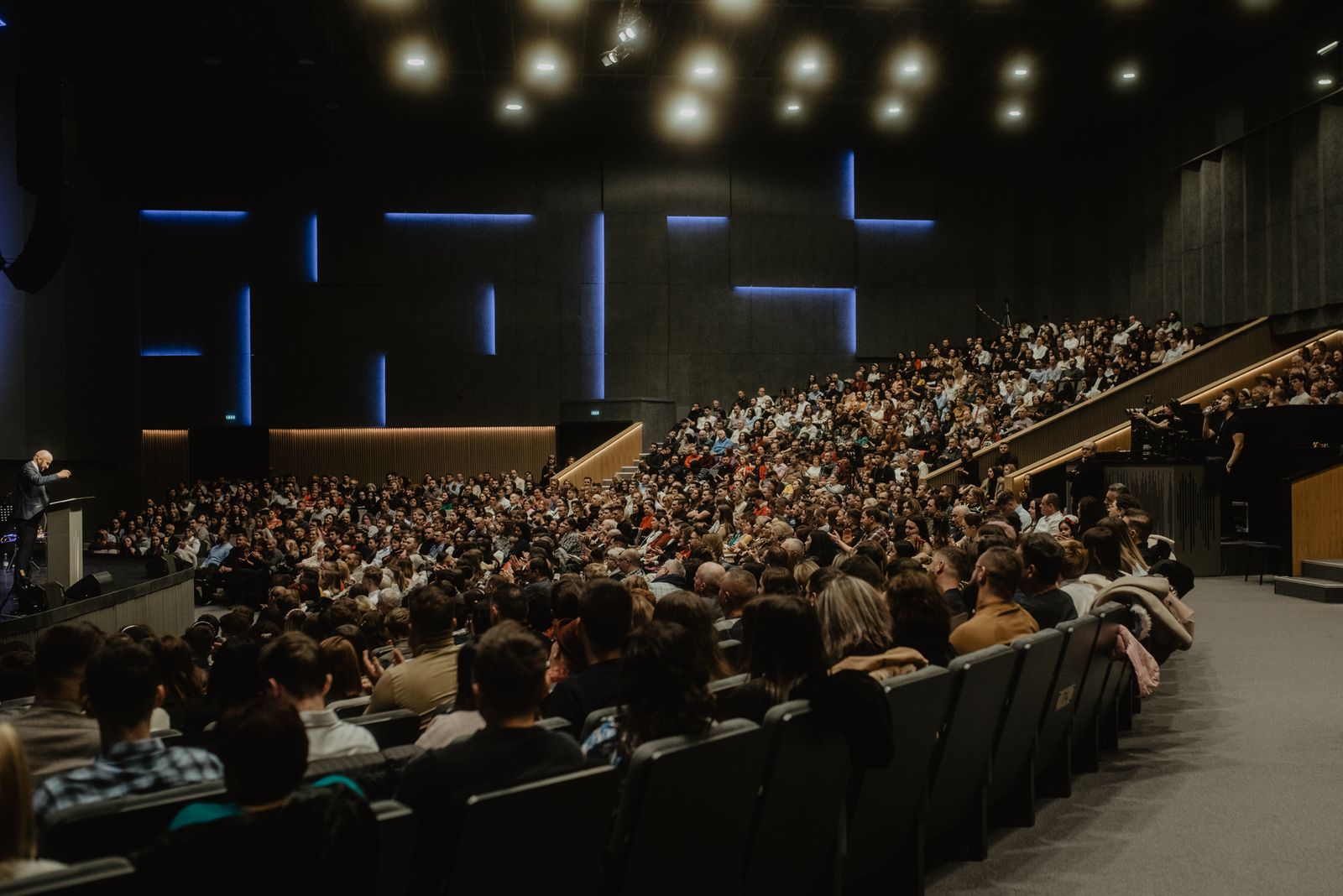
Where it is used
Events that use live translation
Weddings and family celebrations
Speeches and vows understood by relatives from abroad.
Community and cultural festivals
Announcements and talks for multilingual neighbourhoods.
Product launches and press events
International guests follow the presentation in their language.
Charity galas and fundraisers
Appeals that reach every donor in the room.
Checklist
A short checklist for event translation
Ask guests about languages when they RSVP. Use the event's main microphone or a lapel microphone for the speaker. Print the QR code on table cards and the programme, with a short line in each language explaining what it is. Test the connection at the venue and run a two-minute rehearsal before guests arrive.
Frequently asked questions
Related guides
Multilingual event translation
Support several languages at one event: one speaker, many languages at once, and each attendee picks theirs on their own phone.
Corporate event translation
The easiest way to add live translation to a corporate event: employees and guests hear translated audio and subtitles on their own phones.
Live conference translation
Can attendees use their own phones for live conference translation? Yes: scan a QR code, choose a language, listen or read along.
Live translation app
A live translation app attendees use instantly: scan a QR code, pick a language, listen in the browser. No install, no account.
Make your next event understandable for every guest.
Create a free organiser account, choose your languages and print your QR code.