
How do you support several languages at the same event?
Translate the speaker into every language you need from a single session. With Leengoconnect, attendees all scan the same QR code and each chooses their own language, so a Spanish speaker, an Arabic speaker and a Ukrainian speaker sitting side by side can each listen in their own language.
The challenge
Each extra language used to mean extra interpreters and equipment
Supporting two languages at an event is manageable. Supporting six is a different scale: six interpreter teams, six channels, receivers labelled by language and signage to explain it all. That is why many events offer only one or two languages and leave smaller language groups out.
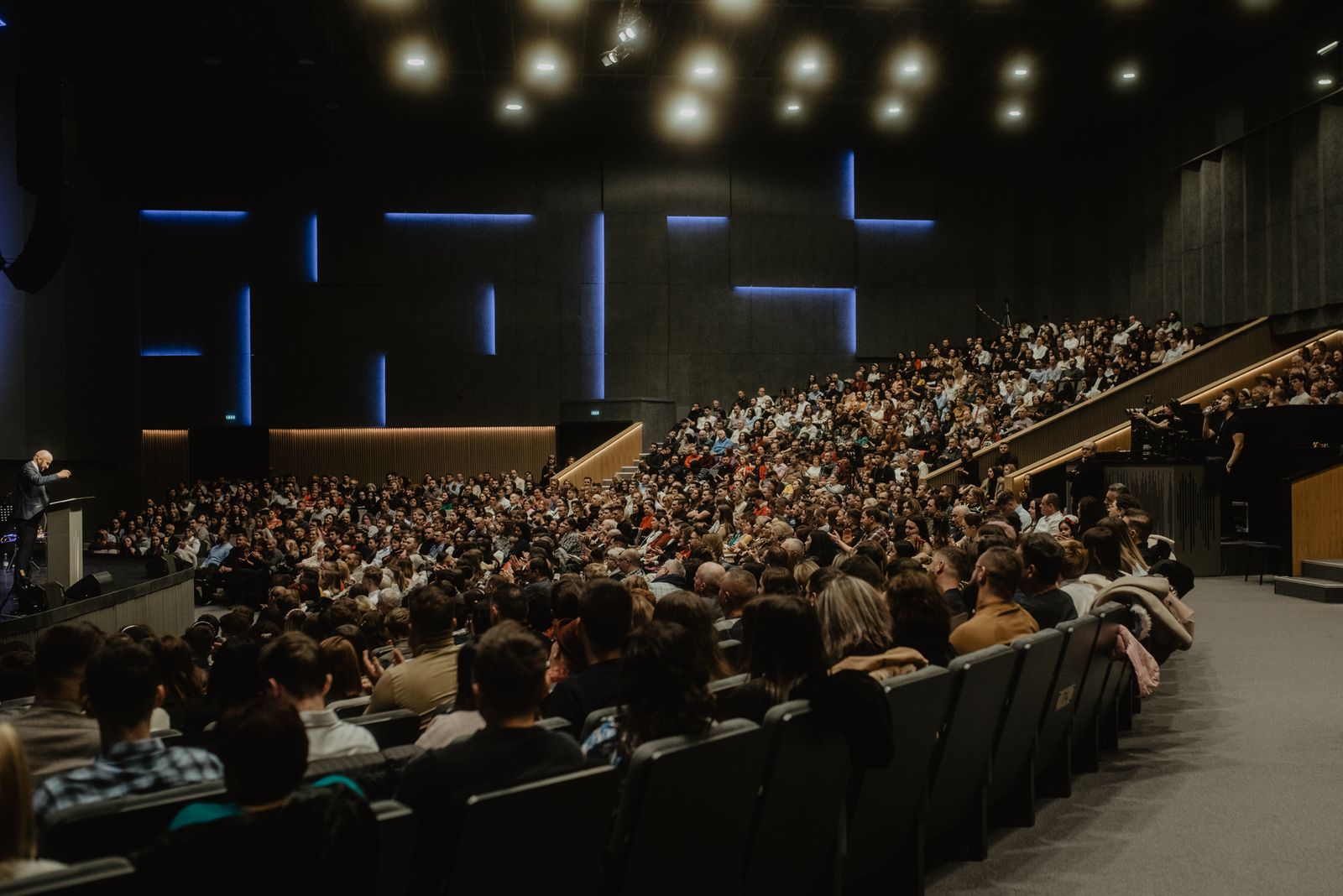
Yet the audiences that most need translation are often the most diverse: refugee welcome events, international churches, city council meetings, diaspora festivals and global NGO gatherings, where a single room can contain a dozen languages.
What gets in the way
Problems with supporting many languages at once
Cost multiplies per language
Each language adds interpreters and channels.
Small language groups excluded
Languages with few speakers are dropped first.
Less common languages
Interpreters for Yoruba, Igbo, Hausa or Tagalog can be hard to find locally.
Confusing channel setup
Attendees must find the right channel number for their language.
Unknown language mix
Organisers do not always know which languages will turn up.
Right-to-left scripts
Arabic, Urdu and Persian need proper text direction on screen.
How Leengoconnect helps
One session, many languages
Multiple target languages
Translate one speaker into several languages at once, within your plan.
Language names in their own script
Attendees find Español, العربية or Українська easily.
29 supported languages
Including African and Asian languages that are often hard to cover.
Right-to-left support
Arabic, Urdu and Persian subtitles display correctly.
Listeners per language
See which languages are actually used, live and in the report.
Native voices
Spoken translation uses voices chosen for each language.
How it works
Three steps from speaker to listener
The speaker talks into a microphone
The organiser starts a session on a laptop or phone and selects the microphone, or an audio feed from the sound desk connected to the computer.
Attendees scan one QR code
Show the QR code on a screen, slide or printed card. Attendees open it in their phone browser and pick a language. No app, no account.
Everyone listens in their language
Translated audio plays through each person's own earphones, with live subtitles on screen for anyone who prefers to read.
Where it is used
Events that need many languages at once
Refugee and newcomer welcome events
Information sessions for people from many countries.
International churches and conventions
Services where a dozen nationalities worship together.
City and council meetings
Public meetings open to every resident.
Global NGO and association gatherings
Members from every region in one hall.
Supported languages
Which languages can one event offer?
Leengoconnect supports English, Italian, French, German, Spanish, Portuguese, Dutch, Swedish, Chinese (Simplified Mandarin), Japanese, Korean, Russian, Ukrainian, Polish, Romanian, Greek, Turkish, Arabic, Hindi, Bengali, Urdu, Persian, Indonesian, Vietnamese, Filipino, Swahili, Yoruba, Igbo and Hausa. The number you can enable in one session depends on your plan.
Most languages use a direct live interpreter mode. Yoruba and Igbo use a standard pipeline that may add a little more delay; the organiser dashboard shows which mode each language is using.
Frequently asked questions
Related guides
Event translation
Provide translation at any event: guests hear live translated audio and subtitles on their own phones at ceremonies, festivals and launches.
Conference translation
How to translate a conference into multiple languages: choosing languages, audio setup, glossary, delegate onboarding and day-of checks.
Church translation system
Do churches need translation equipment? A church translation system using members' own phones: no receivers to buy, charge or collect.
English to French live translation
Need live English to French translation for delegates or members? Leengoconnect delivers French audio and subtitles to each listener's phone during your event.
Offer every language your audience speaks.
Create a session with all the languages you need and share one QR code with everyone.